

POSVelo documentation
Everything you need to install POSVelo, set up your shop and run it every day.

What POSVelo does
POSVelo is the software behind the counter of a shop. Cashiers sell with it, managers keep stock right with it, and owners see how the business is doing. It runs in a web browser on any computer, tablet or phone, for one shop or many.
| Area | What it is for |
|---|---|
| Selling at the POS | Ring up sales fast, take any kind of payment, print or send receipts, handle returns. |
| Products & Stock | Know what you have in every store, buy from suppliers, move and count stock. |
| Customers & Loyalty | Reward regulars, give trade prices, sell on credit, sell gift cards. |
| Cash & Accounting | Track cash day by day and get profit and loss without bookkeeping. |
| Reports & AI Assistant | See how the business is doing, or just ask a question. |
| HR & Payroll | Attendance, shifts, leave and payslips for your staff. |
Start here
Pick the path that matches where you are.
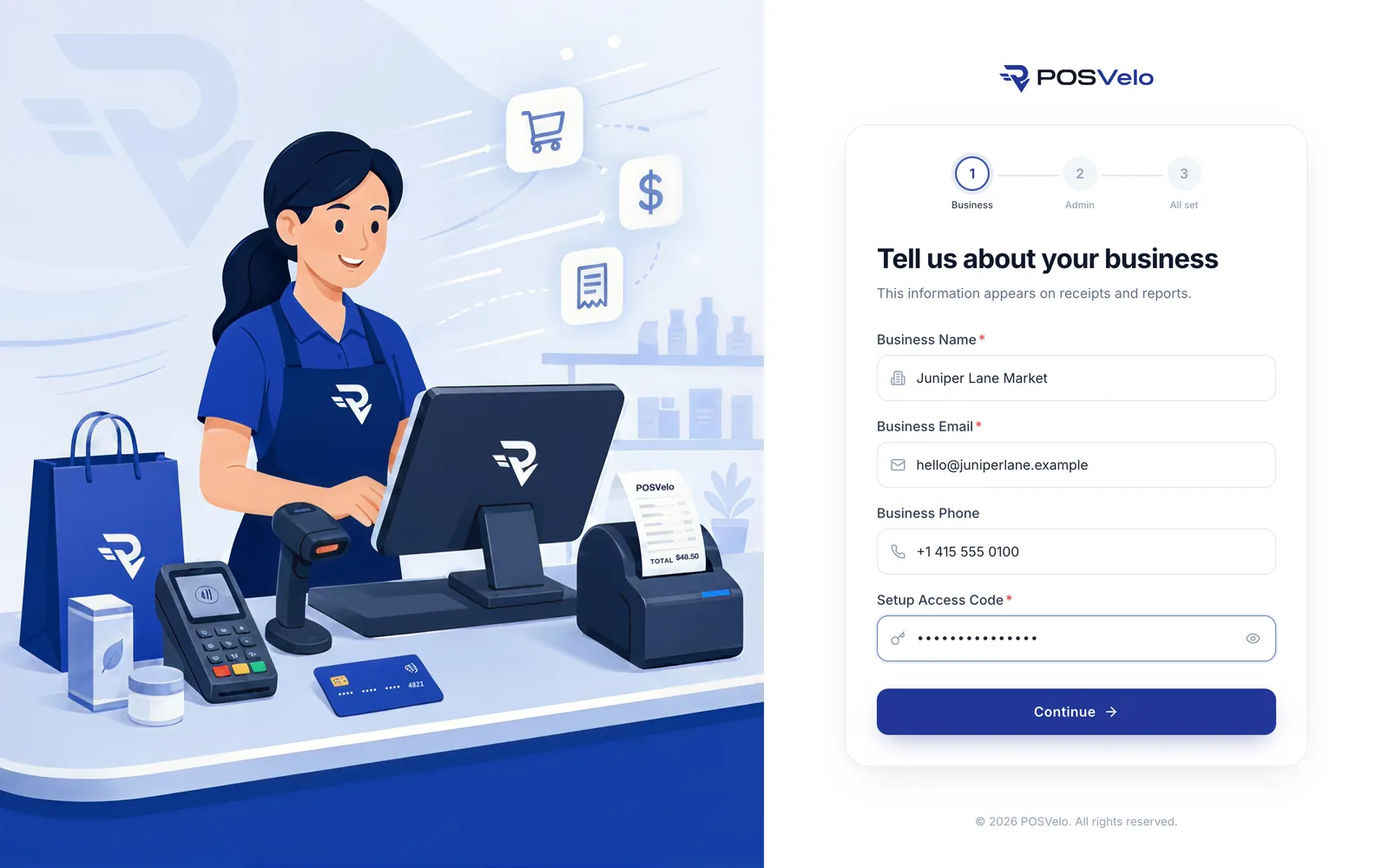 1. InstallOne program, one settings file, one command. POSVelo runs on your computer in about fifteen minutes.Learn more
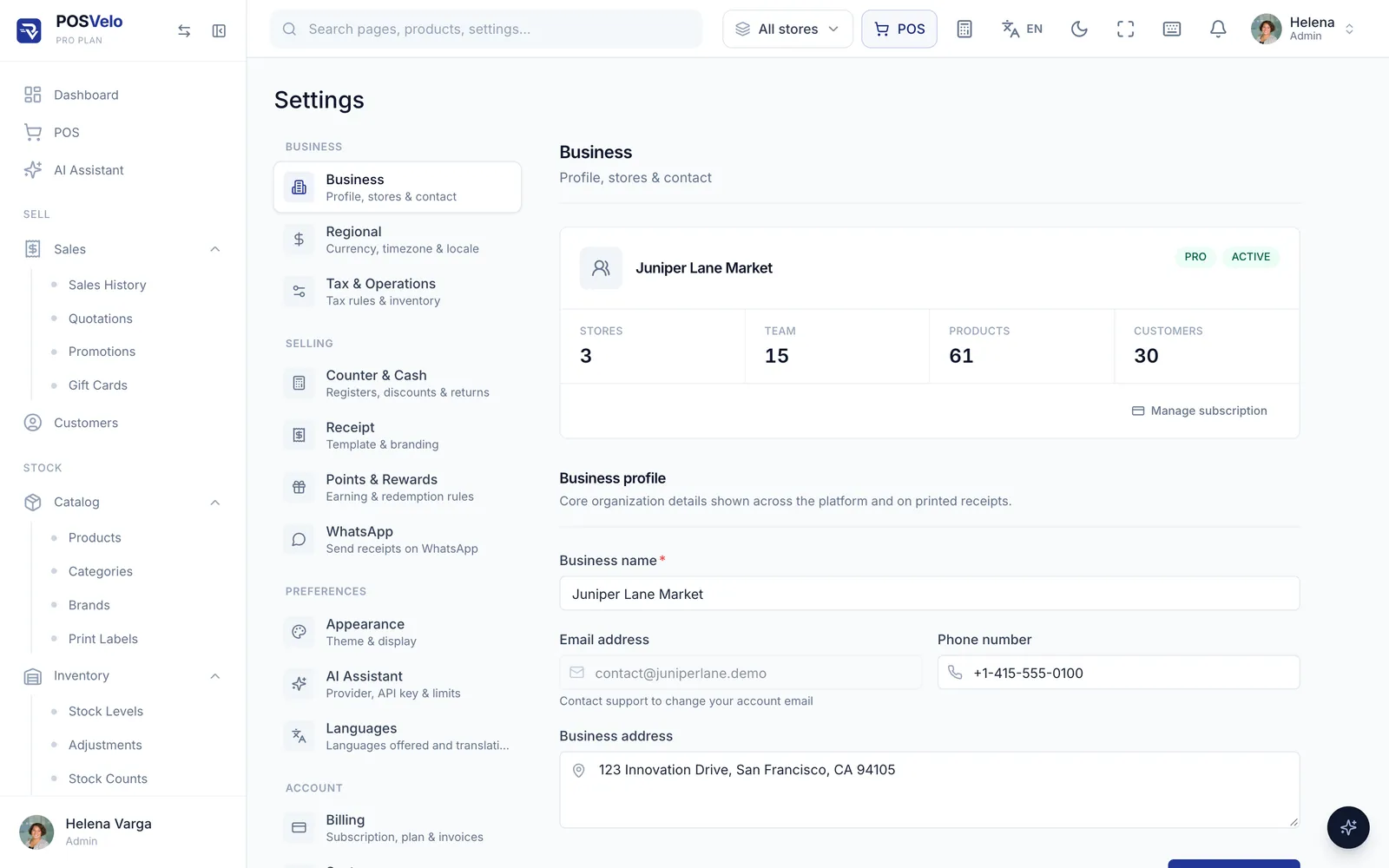 2. Set up your businessCreate your business and owner account, then the five settings to check on day one.Learn more
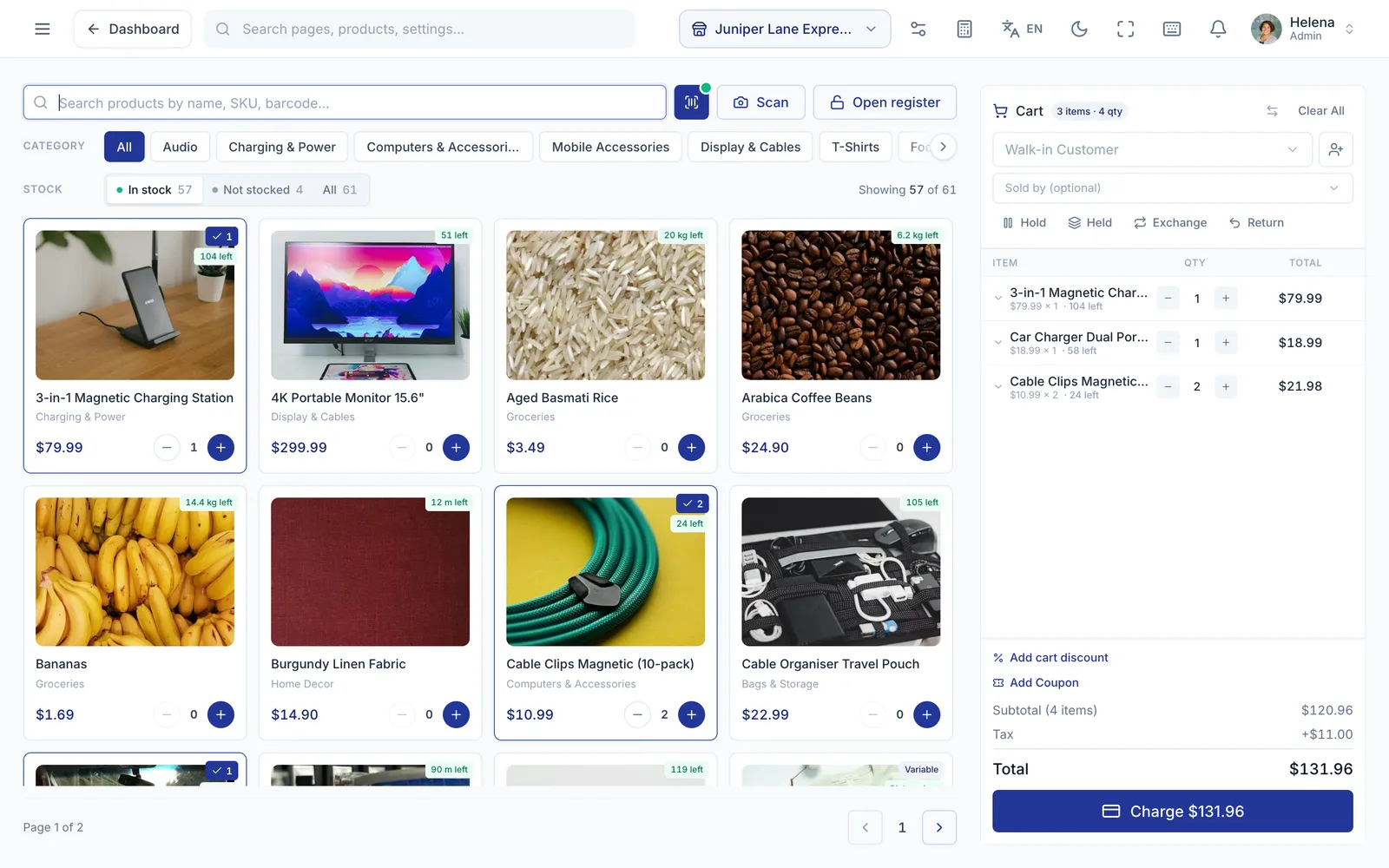 3. Make your first saleOpen the register, ring up items, take payment and print the receipt.Learn more
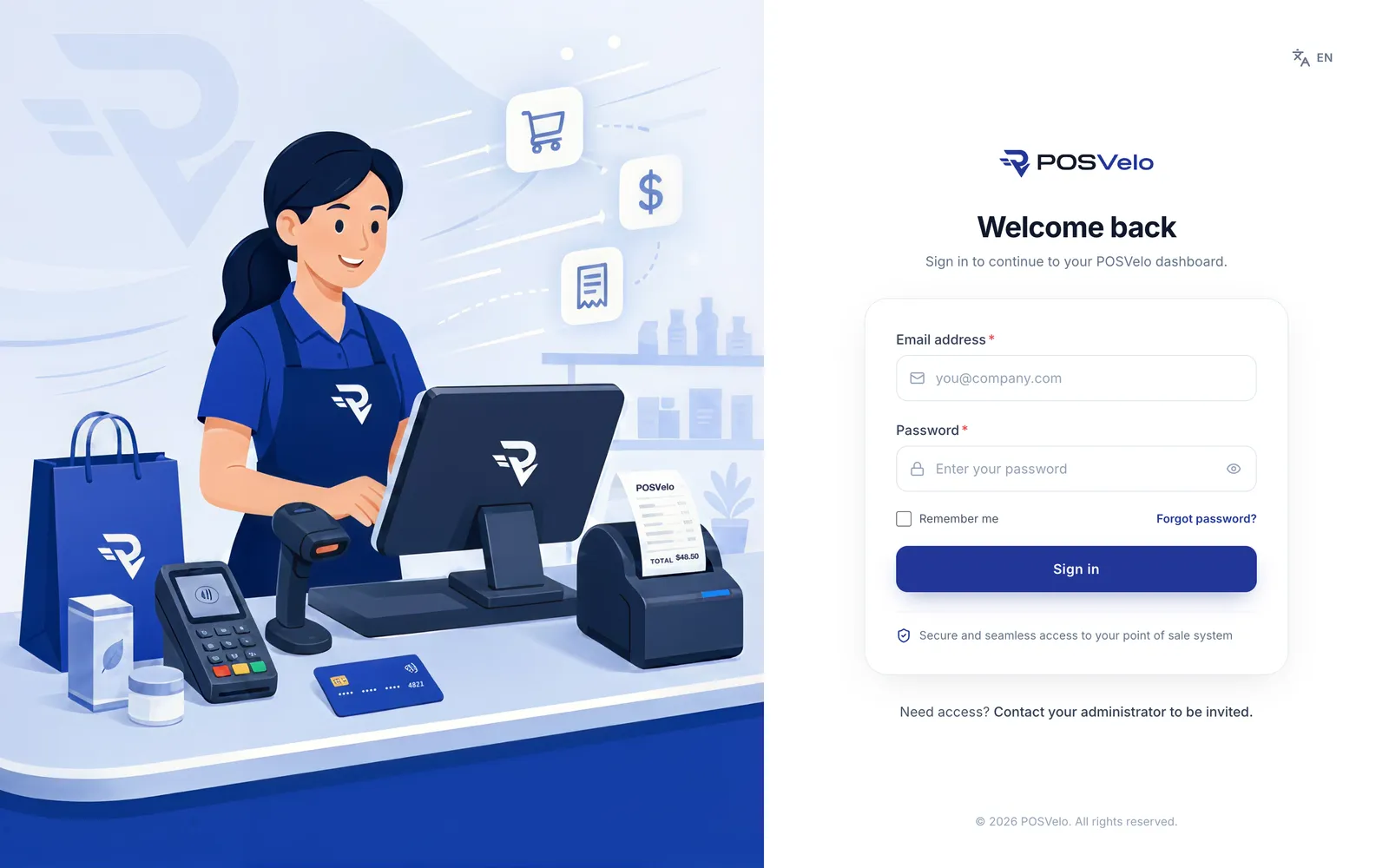 4. Go livePut POSVelo on a server with your own domain and HTTPS, so every till can reach it.Learn more
Want to look around first? Install with sample data and sign in to Juniper Lane Market, a ready-made shop with three stores, products, customers, staff and months of sales. See Explore with sample data.
Who it is for
| You are | POSVelo gives you |
|---|---|
| A shop owner | A complete system for selling, stock and staff on your own server, with no monthly fee. |
| A business with several branches | One place to see and control every store, with stock transfers between them. |
| An agency or freelancer | A finished product to set up for clients. |
| Someone starting a POS subscription service | Many businesses on one installation, with plans and Stripe billing. See SaaS. |
You don't need to be a developer. The Docker install starts everything with one command, and if you would rather not do it yourself, we set it up for you for free.
How it fits together
POSVelo is two apps and two data stores. The Docker install runs all four for you.
| Part | What it does |
|---|---|
| Web app (Next.js, port 3000) | The screens your staff use: the POS, the dashboard and everything else. |
| API (Node.js, port 5000) | The rules: prices, permissions, stock and keeping each business's data apart. It always has the final say. |
| PostgreSQL | Stores all your data. |
| Redis | Sign-in sessions, rate limits and background jobs such as scheduled reports and shop sync. |
Built with Node.js 22, Express 5, TypeScript, Prisma, PostgreSQL 16 and Redis 7 on the server, and Next.js 16, React 19 and Tailwind CSS 4 in the browser. Developers can read more in API & Postman.
Looking for an older release? Use the Version menu at the top of the sidebar.